
Heyos! Welcome to the Shards Devlog :D
In this first one, I'll start off with something simple - Logo Design (and getting the logo to show up in the app when launched).
(I'll email this first devlog to my BMC Followers but subsequent ones will be emailed based on a once-every-two-weeks basis so as to not spam the followers. If you are a follower and want to see every single devlog, feel free to check out my BMC Posts page for the latest posts! Thank you for your interest and support!)
Logo Design:
For Starters, I created these 2 logos just using the lasso fill tool in csp:
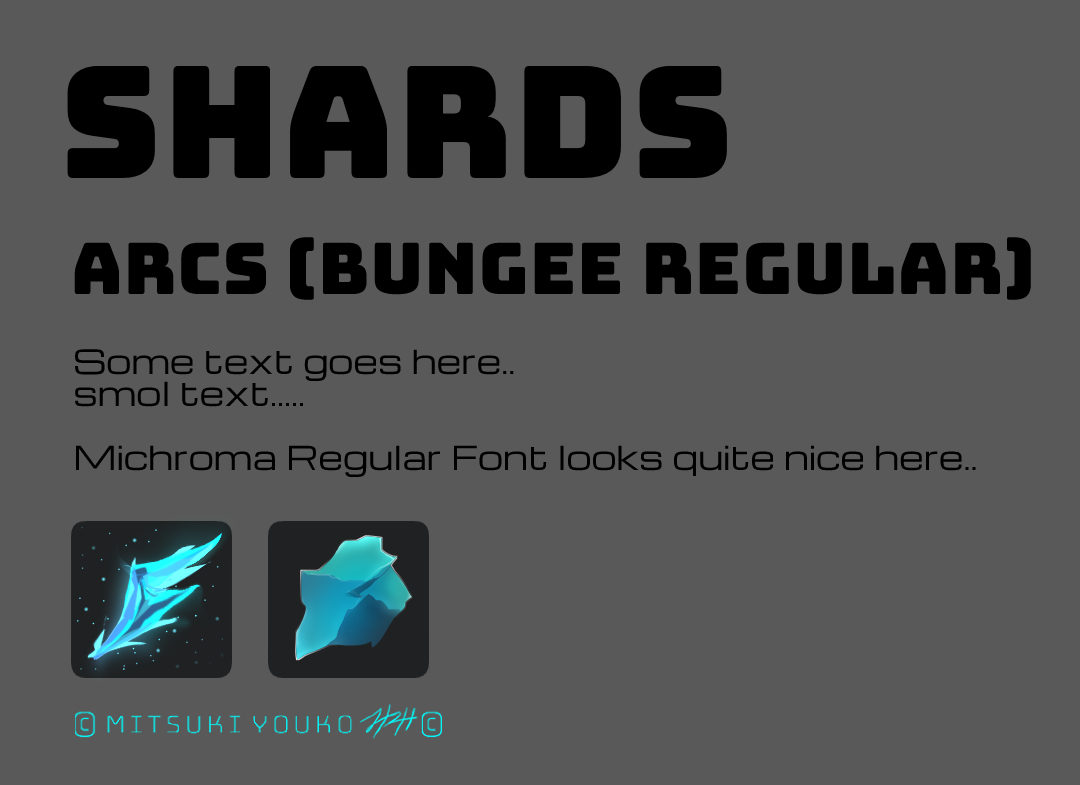
The Wing one looks cool when you zoom in but looks messy when the icon is small (which is how most icons are..)
I leaned towards the 2nd one - which is inspired by my fav app Obsidian.
The next day, I designed a few more, most of which were not to my liking.. mind you, they were quick sketches done across two 15-min breaks at work.
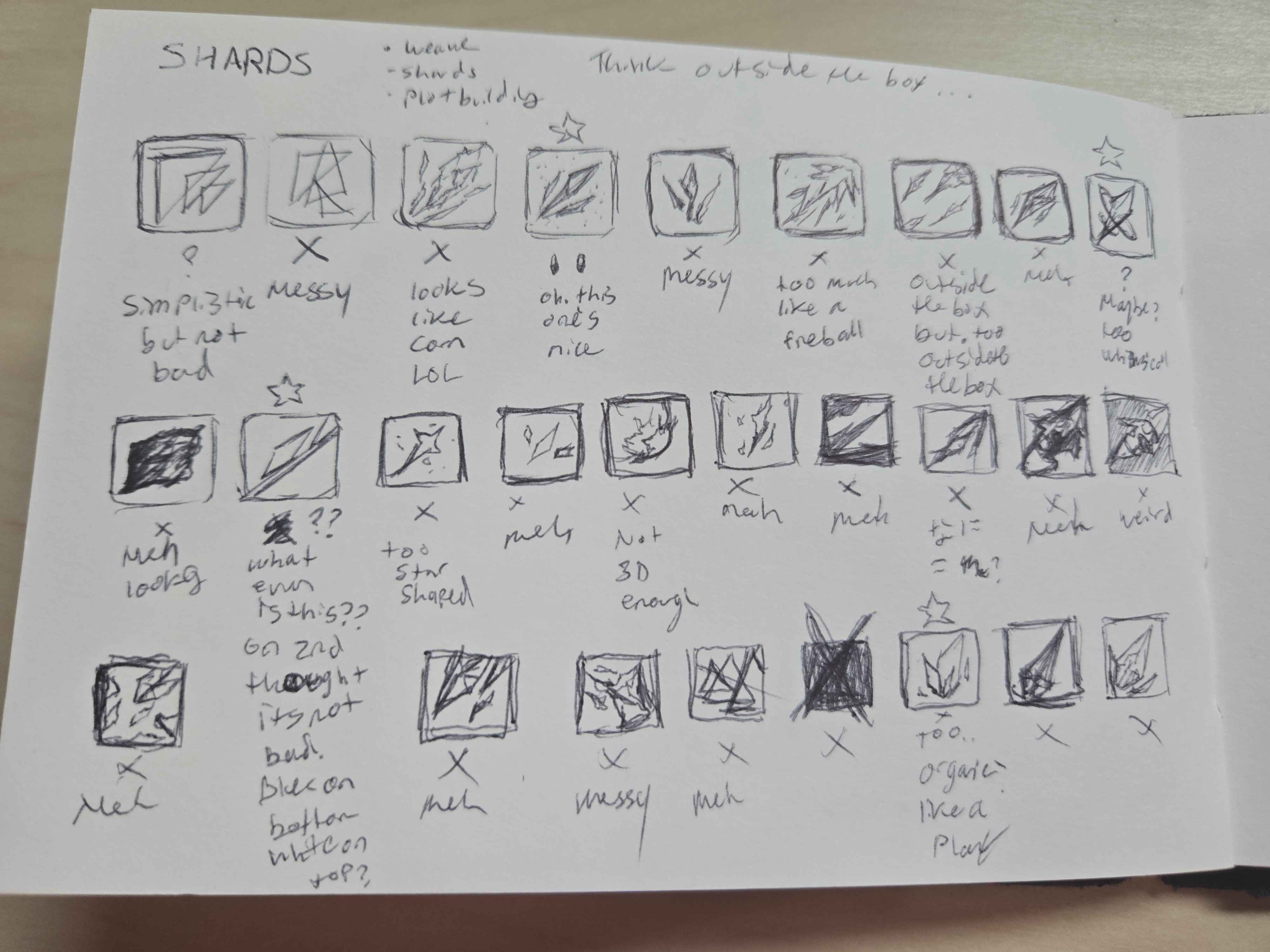
Ended up taking one of the sketches and maing a 5th colored logo but still like the Obsidian inspired one the most.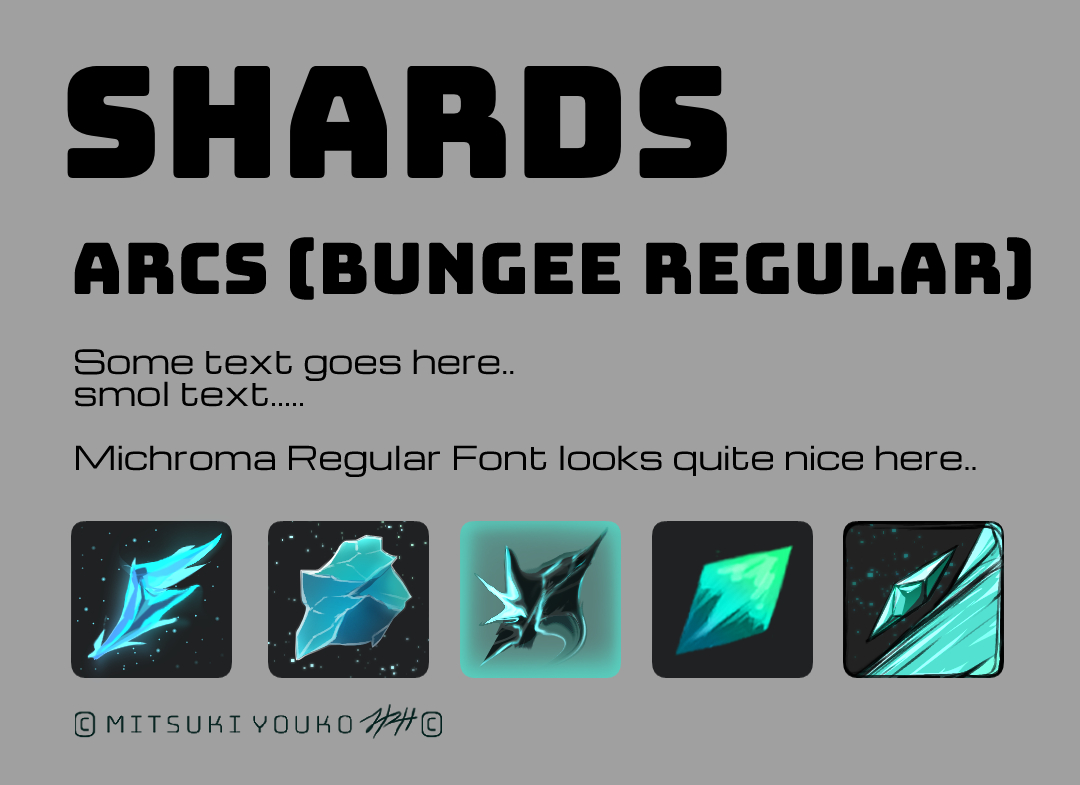
Here's the polished ver: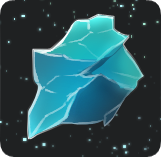
And here's how it looks next to the Obsidian logo.. LOVELY 💖
(Pic is kinda smol so the resolution is a bit messed up but you get the idea..)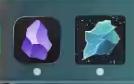
Implementation:
With the Logo design finalized, I started to get into setting up the logo within the app.
Apparently its not as simple as just linking a logo to some specific part of the page.. but it IS relatively simple.
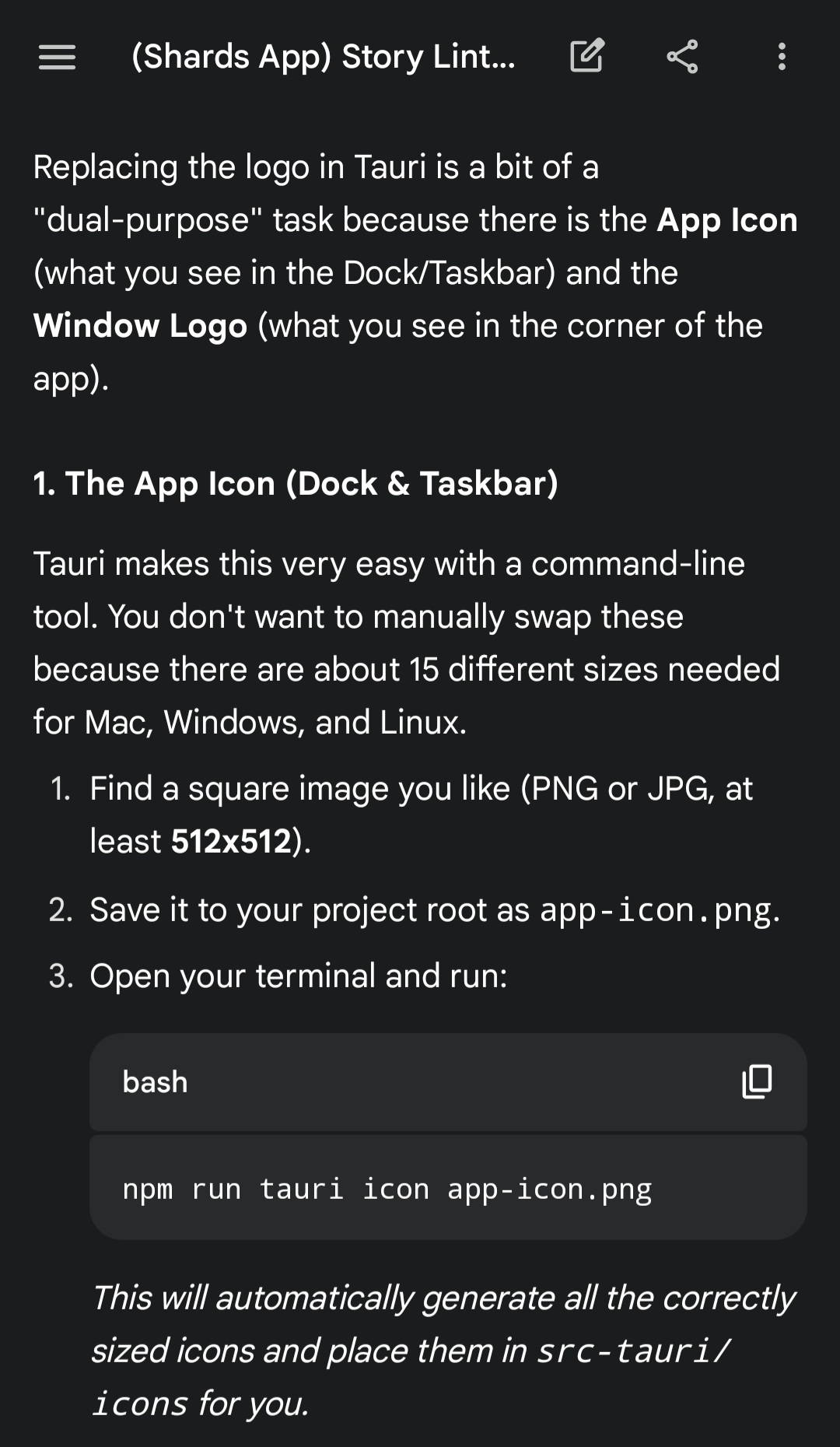
My image was called ShardsLogo.png so I ran this instead:
npm run tauri icon ShardsLogo.png
The first time I ran it, I got an error in the terminal that my icon was not a perfect square so I had to squish/stretch it a bit and tried again and it succeeded.
I also changed the favicon like so: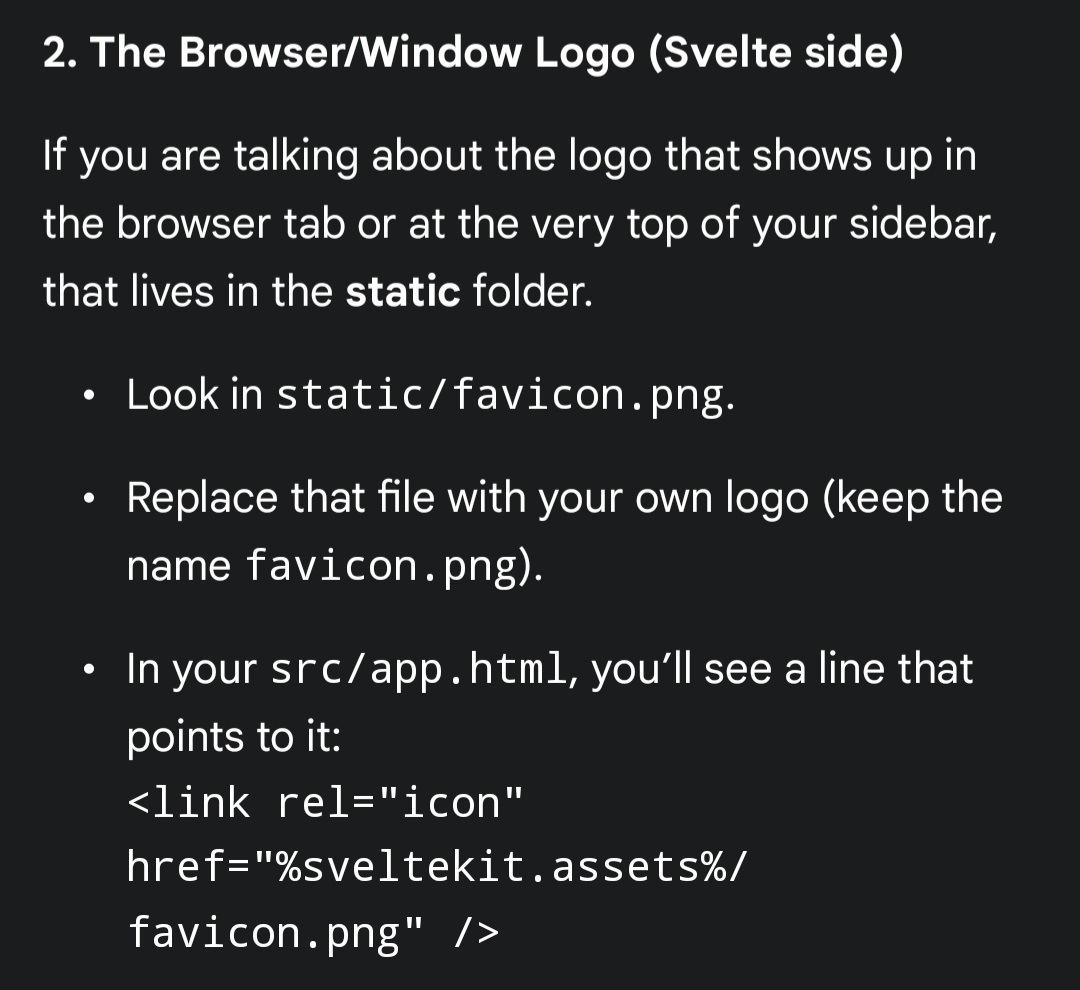 However when I launched the app, the logo did not change from the default..
Apparently I had to force it to rebuild by deleting the src-tauri/target folder as mentioned in the screenshot below, and THEN it worked..
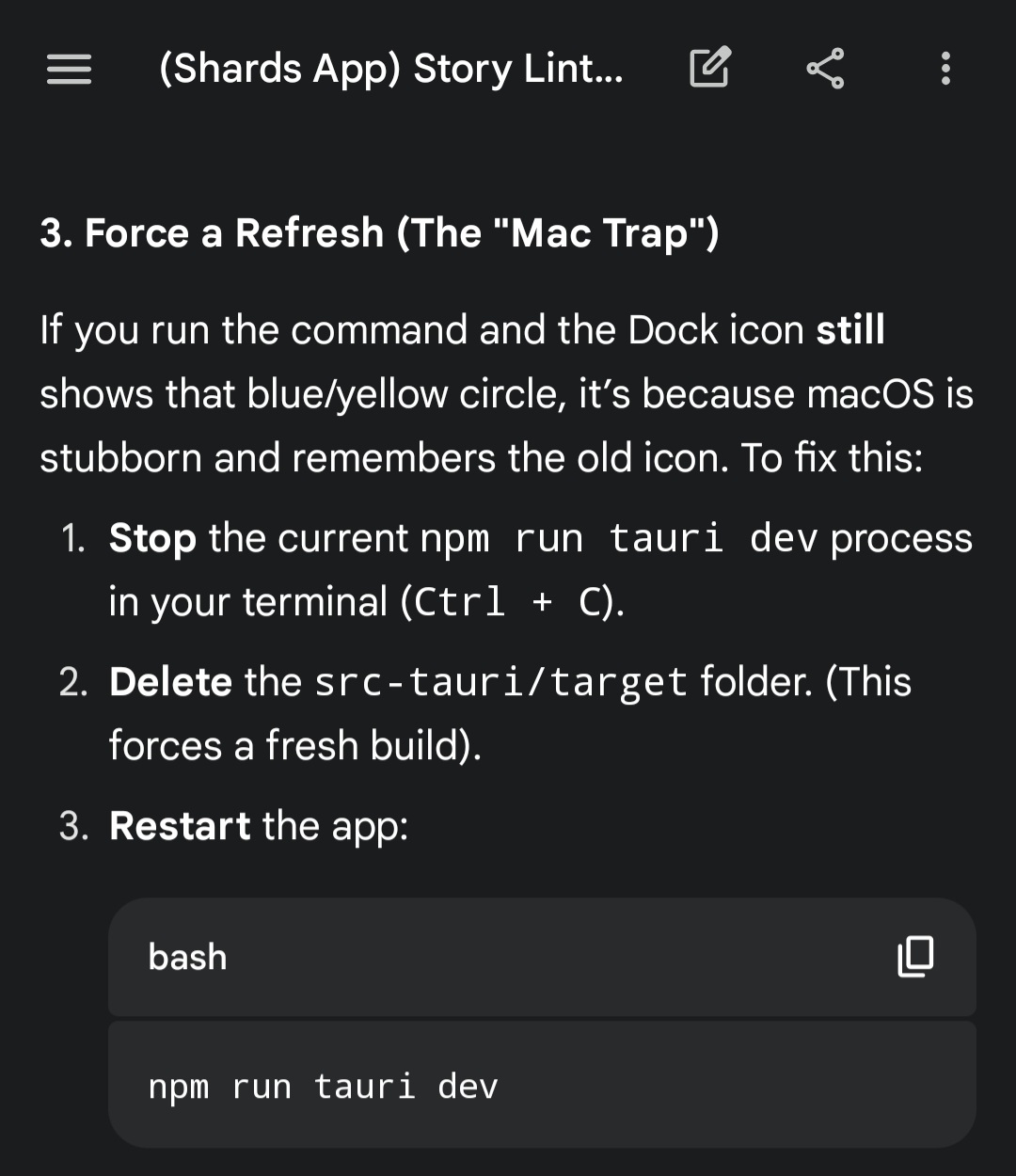
However my logo was one size bigger than all the others... so I consulted Gemini again..
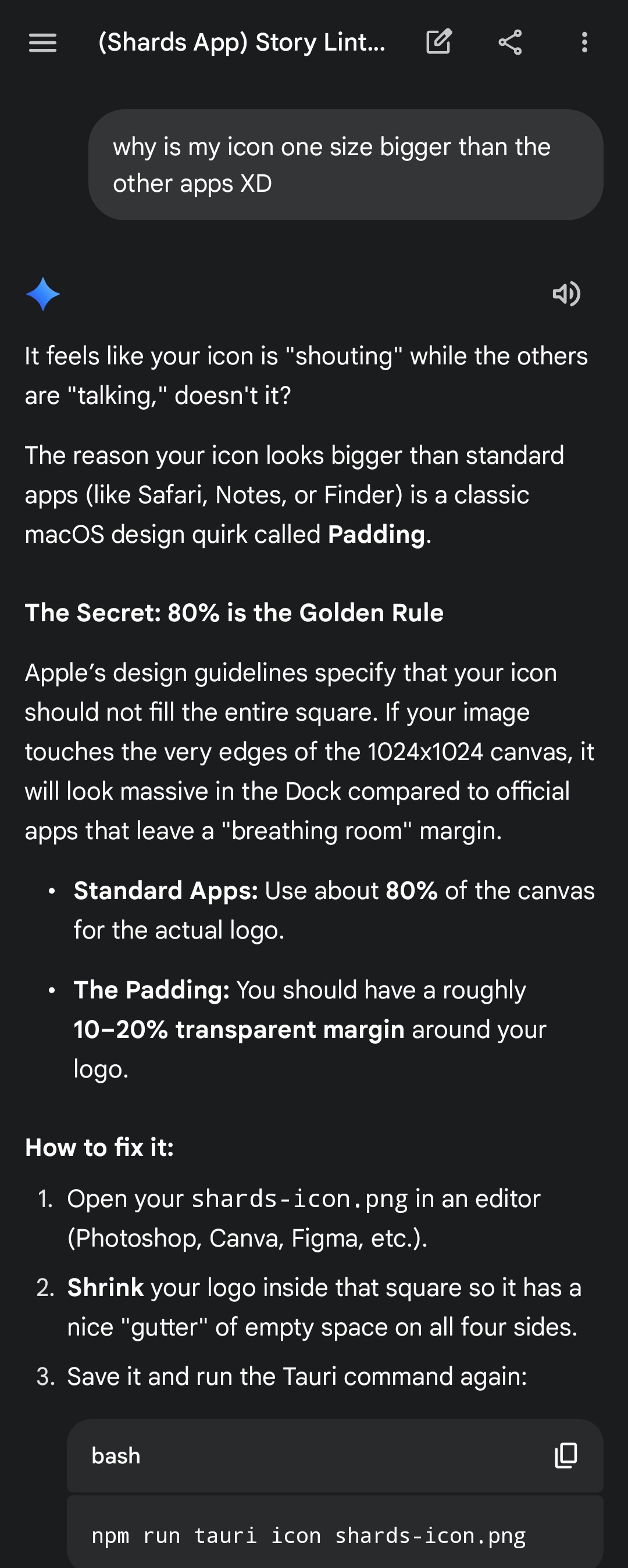
So I went back to Clip studio paint and gave my icon its buffer, re-exported the png, re-deleted the src-tauri/target folder, replaced the icon in my project, ran the command to generate the logos, and then launched the app again and it was perfect.
I was very satisfied with the outcome!
I then put the project on Github so you can view it here if you want: https://github.com/mitsukiyouko555/shards
But thus far, that's all I've done for it. I find that I get frustrated if I have a really big vision but aren't able to create that vision in one go..
So I decided that even if its a little thing like getting the logo designed and set up, I should still be happy that I made little steps :)
That's all for now..
My next tiny steps are to:
import the Bungee Regular and Michroma fonts from my font testing and set up a blank dashboard
set up a sidebar on the dashboard
create a settings page and make the word "Arcs" on the sidebar adjustable to whatever the user puts in (should be some kind of dynamic variable thingy as "Arcs" is gonna be used in multiple places and will need to reflect according to what the user replaces "Arcs" with in the settings) (ie. chapters, beats, etc.)
Thanks for reading!
-Mitsuki